


Mastering QuickBooks for Charities with Genny Jones

Managing finances for a charity can feel overwhelming. There are donations to track, expenses to manage, and reports to prepare. That’s where QuickBooks steps in as a powerful ally. Over the years, I’ve discovered how mastering QuickBooks can transform the way small charities handle their accounting. With the right guidance, it becomes not just a tool but a trusted partner in your mission. Today, I want to share some practical tips and insights to help you get the most out of QuickBooks, inspired by the expertise of genny jones quickbooks.
Why QuickBooks for Charities Makes a Difference
QuickBooks is designed to simplify accounting, but it’s especially useful for charities because it helps keep everything transparent and organised. Charities often juggle multiple funding sources, restricted funds, and grant reporting. QuickBooks offers features tailored to these needs, making it easier to stay compliant and accountable.
For example, you can set up classes or locations to track different projects or funding streams separately. This means you can generate reports that show exactly how much money was spent on each initiative. It’s a game-changer for demonstrating impact to donors and trustees.
Here are some key benefits of using QuickBooks for charities:
Streamlined donation tracking: Easily record and categorise donations.
Expense management: Keep track of bills and payments in one place.
Customised reporting: Generate reports that reflect your charity’s unique financial structure.
Budgeting tools: Plan and monitor budgets for various projects.
Audit readiness: Maintain clear records that simplify audits and compliance checks.
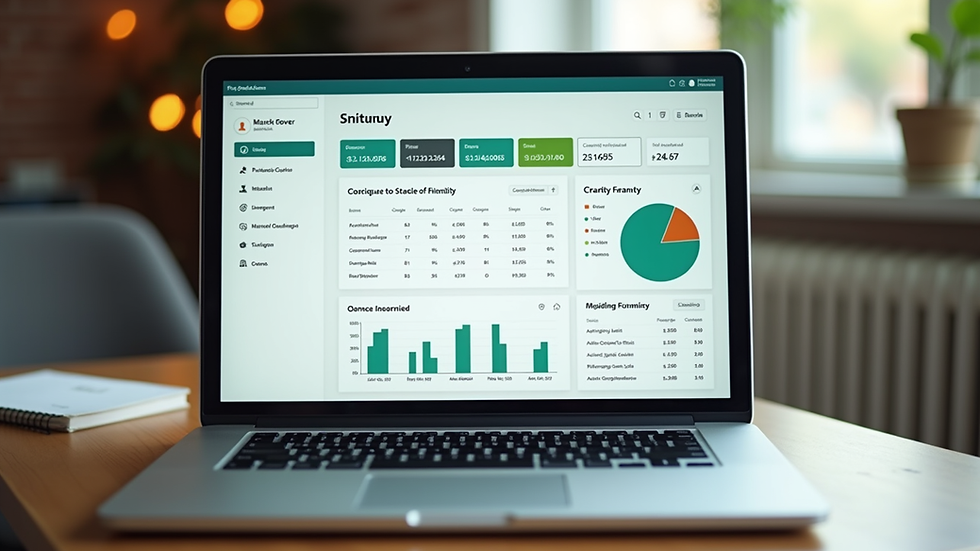
Setting Up QuickBooks for Charities: Step-by-Step
Getting started with QuickBooks can feel daunting, but breaking it down into manageable steps makes it much easier. Here’s a simple roadmap to set up your charity’s QuickBooks account effectively:
Choose the right QuickBooks version
QuickBooks Online is often the best choice for charities because it offers cloud access and regular updates. It also supports multiple users, which is handy for teams.
Create your chart of accounts
Tailor your chart of accounts to reflect your charity’s income and expenses. Include categories like donations, grants, fundraising events, and administrative costs.
Set up classes or locations
Use these features to track different programmes or funding sources separately. This helps with detailed reporting and accountability.
Enter opening balances
Input your current bank balances and outstanding invoices to start with accurate data.
Connect your bank accounts
Linking your bank accounts allows QuickBooks to automatically import transactions, saving time and reducing errors.
Customise invoices and donation receipts
Make sure your documents reflect your charity’s branding and include all necessary information for donors.
Train your team
Ensure everyone who uses QuickBooks understands the basics. This avoids mistakes and keeps your records consistent.
By following these steps, you’ll build a solid foundation for managing your charity’s finances with confidence.
Practical Tips to Maximise QuickBooks Efficiency
Once your QuickBooks is set up, the real magic happens when you use it efficiently. Here are some practical tips to help you get the most out of the software:
Automate bank feeds
Regularly review and categorise imported transactions to keep your books up to date without manual entry.
Use recurring transactions
For regular expenses or donations, set up recurring transactions to save time and avoid missing entries.
Reconcile monthly
Make it a habit to reconcile your bank accounts every month. This ensures your records match your bank statements and helps catch errors early.
Leverage reports
Explore QuickBooks’ built-in reports like Profit and Loss, Balance Sheet, and Cash Flow. Customise them to focus on your charity’s key financial indicators.
Back up your data
Even though QuickBooks Online stores data in the cloud, it’s wise to export reports and backups regularly for peace of mind.
Stay compliant
Use QuickBooks to track VAT if applicable, and keep records ready for any regulatory requirements.
These tips will help you maintain clean, accurate financial records that support your charity’s goals.

How Genny Jones Can Help You Master QuickBooks
Navigating QuickBooks can be tricky without the right support. That’s why I recommend turning to experts like Genny Jones. Her training and support services are tailored specifically for charities and bookkeepers. She breaks down complex accounting concepts into simple, actionable steps.
With Genny’s guidance, you’ll learn how to:
Set up QuickBooks tailored to your charity’s needs.
Manage donations and grants with ease.
Generate reports that impress trustees and funders.
Troubleshoot common QuickBooks challenges.
Build confidence in your financial management skills.
I’ve seen many small charities transform their accounting processes after working with Genny. Her warm, encouraging approach makes learning QuickBooks enjoyable and effective. If you want to feel confident and achieve better financial outcomes, exploring genny jones quickbooks is a smart move.
Tips for Bookkeepers and Accountants Supporting Charities
If you’re a bookkeeper or accountant working with charities, QuickBooks offers tools that can make your job smoother. Here are some tips to help you provide excellent support:
Understand charity-specific accounting
Familiarise yourself with fund accounting principles and charity regulations to provide accurate advice.
Use classes and locations effectively
Help your clients set these up to track different funds and projects clearly.
Train your clients
Offer training sessions or create easy-to-follow guides tailored to their needs.
Set up user permissions
Control access within QuickBooks to protect sensitive financial information.
Regularly review financial reports
Schedule monthly or quarterly reviews to catch issues early and keep your clients informed.
Stay updated on QuickBooks features
QuickBooks regularly updates its software. Keeping up to date ensures you can leverage new tools and improvements.
By applying these tips, you’ll enhance your value as a trusted advisor to charities and help them thrive financially.
Embracing QuickBooks for a Brighter Financial Future
Mastering QuickBooks is a journey, but it’s one worth taking. With the right setup, ongoing management, and expert support, you can turn your charity’s financial management into a smooth, transparent process. This not only saves time but also builds trust with donors and stakeholders.
Remember, every charity’s needs are unique. Take the time to customise QuickBooks to fit your organisation’s goals. And don’t hesitate to seek help from specialists like Genny Jones who understand the charity sector inside out.
By embracing QuickBooks fully, you’re investing in your charity’s future success. You’ll gain clarity, control, and confidence in your finances - all essential ingredients for making a lasting impact.
I hope these insights inspire you to take the next step in mastering QuickBooks. With a little effort and the right support, managing your charity’s finances can become one of your organisation’s greatest strengths.


Comments